Product teams
Animate a clean product render with a slow push-in, turntable movement, or a controlled reveal.
Turn a static concept into a short pitch visual without rebuilding the scene from scratch.
kling ai image generatorImage animation
The kling ai image to video generator starts from a still image and turns its composition into a short moving clip. Upload a strong frame, describe the motion, and refine the result in Kling AI.
Best-fit workflows
Image-to-video is most useful when the starting frame already contains the look you want. Kling AI then spends its effort on movement, camera behavior, and continuity.
Animate a clean product render with a slow push-in, turntable movement, or a controlled reveal.
Turn a static concept into a short pitch visual without rebuilding the scene from scratch.
kling ai image generatorGive a storyboard frame or concept still subtle environmental motion, character action, or a cinematic camera move.
Explore shot ideas while keeping the original composition as the visual anchor.
kling ai motion controlBring an illustration, travel photo, or campaign image to life with a concise movement prompt.
Produce short-form visual variations that feel more active than a static post.
kling ai text to video generatorAnimate a diagram, historical image, or location photo with restrained camera motion and atmosphere.
Add visual interest while preserving the key information in the source frame.
kling ai image generatorSimple workflow
A good source frame does more work than a complicated prompt. Keep the first attempt focused on one subject, one action, and one camera instruction.
Upload an image with a clear subject, readable silhouette, and enough space around the action you want to introduce.
State what moves, how it moves, and what the camera does. For example: fabric ripples in the wind while the camera slowly pushes forward.
Check hands, faces, edges, and background continuity. If the result drifts, simplify the action or use a stronger reference image.
Prompt checkpoints
Choose the right entry point
Both routes create video, but they begin with different kinds of control. Choose the image route when the first frame matters; choose the general route when the scene still exists mainly as an idea.
Image-to-video
General Kling AI entry point
Image-to-video
An uploaded image or reference frame
General Kling AI entry point
A written idea, prompt, or broader creation request
Image-to-video
Preserves the source frame as the composition anchor
General Kling AI entry point
Builds the composition from the prompt
Image-to-video
Animating artwork, renders, photos, and storyboards
General Kling AI entry point
Exploring a scene before a visual reference exists
Image-to-video
Movement, timing, camera, and atmosphere
General Kling AI entry point
Subject, setting, style, action, and camera
Image-to-video
The first frame and its subject placement
General Kling AI entry point
The description of the complete scene
Image-to-video
Reduce motion or fix drifting details
General Kling AI entry point
Rewrite the scene description or add visual constraints
Image-to-video
Start with the image generator for a custom source
General Kling AI entry point
Move to image-to-video after generating a suitable frame
What changes
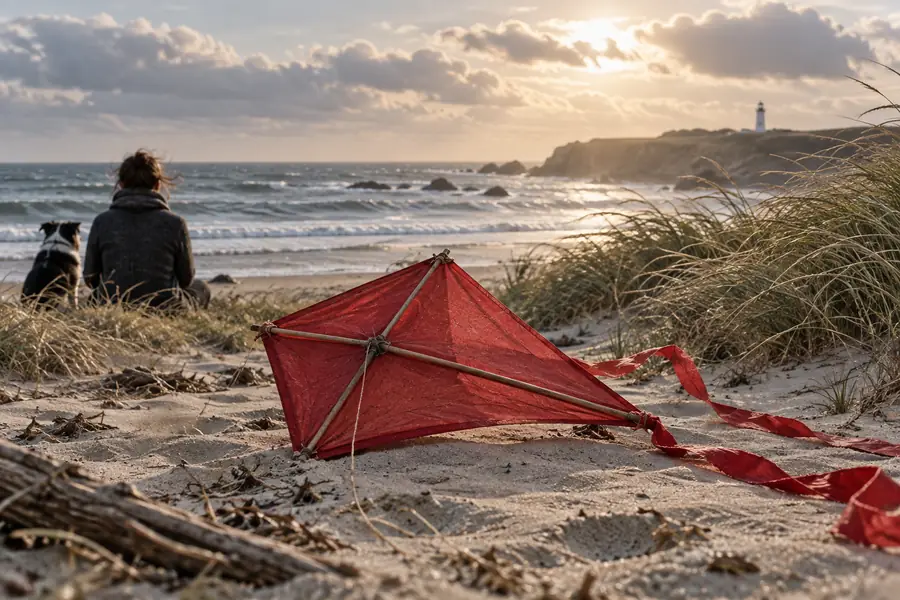
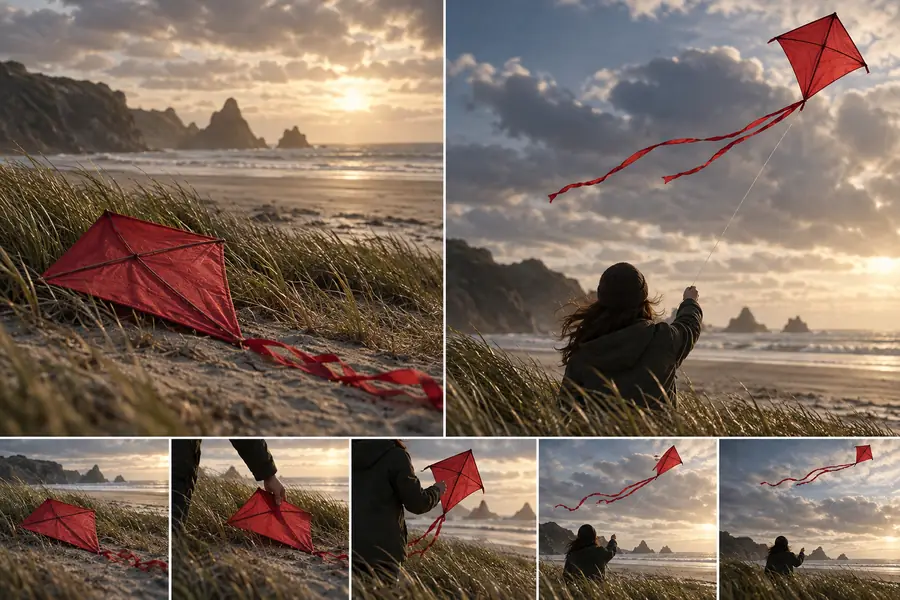
The source controls the look; the prompt controls the motion.
Know the boundaries
Kling AI can create convincing motion, but it does not guarantee perfect physical continuity. Treat each clip as a generated interpretation, not a frame-by-frame animation system.
Faces, fingers, logos, text, and small objects can change as the clip develops.
WorkaroundUse a clean, high-resolution source and keep the requested movement modest.
Complex sequences with several actions can lose subject identity or scene continuity.
WorkaroundBreak the idea into short shots with one dominant action per generation.
A weak or awkward starting frame gives the model less room to create natural movement.
WorkaroundPrepare a clearer reference first with the image generator or a carefully composed still.
A text description can suggest direction and timing, but it is not a guarantee of precise contact, steps, or hand placement.
WorkaroundUse motion control when the performance needs a more specific movement reference.
Common questions
It is a Kling AI workflow that starts with a still image and generates a short moving clip from that visual reference. You describe the desired action, camera movement, or atmosphere, and the system interprets those instructions around the source frame.
Kling AI may provide a free way to try image-to-video, but access, credits, queue priority, and available output options can change. Check the current generation screen before planning a larger batch of clips.
Use a clear image with one primary subject, a readable pose, and enough surrounding space for movement. Simple backgrounds and strong separation between subject and environment generally make the first result easier to evaluate.
Focus on what changes rather than repeating every detail already visible in the image. Name the subject action, camera behavior, and one atmospheric detail, such as “the coat moves in the wind while the camera slowly tracks left.”