Short-form creators
Turn a visual hook into a quick establishing shot, transition, or atmospheric cutaway for a social video.
Explore several opening ideas before committing to a full edit.
kling ai image generatorPrompt to motion
The kling ai text to video generator turns a written scene idea into a visual starting point. Describe the subject, action, setting, and camera movement, then review the generated clip and improve the prompt.
Explore related tools
Text is only one creative entry point. These related pages cover image creation, guided movement, and turning an existing still into video.
Know the edges
A prompt can guide the scene, but it cannot guarantee perfect continuity, exact typography, or production-ready results on the first attempt.
A single generation is better suited to a focused moment than a complete multi-scene narrative with reliable continuity.
WorkaroundBreak the story into short shots and keep character, wardrobe, and setting details consistent in every prompt.
Faces, hands, objects, and background elements can change between results or across frames, especially during complex movement.
WorkaroundUse simpler actions, clear subject descriptions, and several variations before choosing a usable take.
Signs, labels, subtitles, and interface text may appear distorted or inconsistent in generated footage.
WorkaroundAdd readable text during editing rather than asking the model to render it inside the scene.
Words such as slow, orbiting, or handheld suggest a motion style but do not act like frame-accurate directing commands.
WorkaroundDescribe one dominant camera move, then refine the prompt with pacing and viewpoint language.
Simple workflow
Start with the visual event, then add only the details that help the model understand what should move and how the shot should feel.
Name the main subject, what it is doing, and where the action happens. Concrete verbs usually produce clearer motion than abstract directions.
Specify the style, lighting, viewpoint, framing, and one primary camera movement. Keep the prompt focused instead of listing conflicting instructions.
Study the clip for motion, continuity, and unwanted details. Change one or two prompt elements at a time so you can tell what improved the result.
Prompt effect
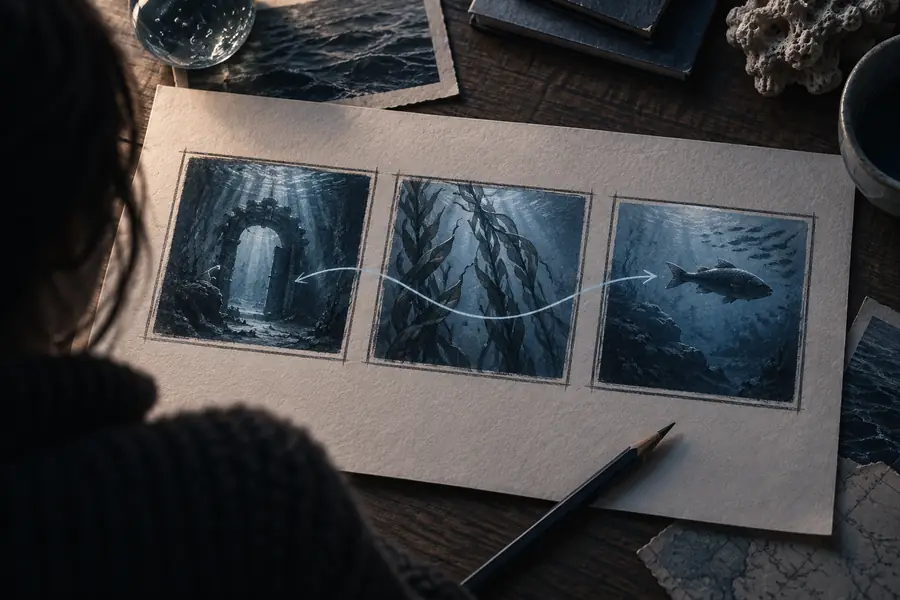
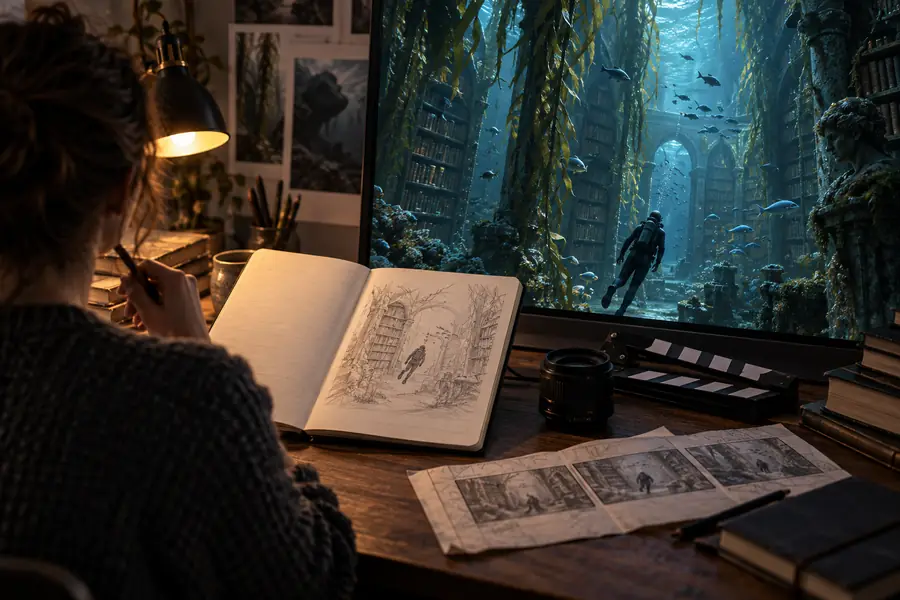
The difference between a vague request and a production-minded prompt is usually the detail about action, framing, light, and camera movement.
A specific prompt gives the scene more useful visual direction, but every generation remains a variation rather than a guaranteed match.
Practical uses
Different creators can use the same workflow for fast visual exploration, provided they treat each output as a draft to review rather than a finished guarantee.
Turn a visual hook into a quick establishing shot, transition, or atmospheric cutaway for a social video.
Explore several opening ideas before committing to a full edit.
kling ai image generatorDescribe an environment, creature, or cinematic moment when a still image does not show enough movement.
Test mood, scale, and action in motion before refining the design.
kling ai motion controlGenerate visual references for a scene that has not been filmed, such as a camera move or location transition.
Communicate the intended shot more clearly during planning and previsualization.
kling ai image to video generatorCreate a short visual metaphor from a written explanation, historical moment, or process description.
Add an illustrative scene that makes an abstract idea easier to discuss.
kling ai image generatorPrompt anatomy
A useful prompt does not need to be long. It needs enough information to separate the subject, the movement, and the visual treatment.
Common questions
Answers to the practical questions people ask before turning a written scene into a generated clip.
It is a tool that interprets a written description and produces a short video sequence from that instruction. You can describe the subject, action, setting, style, and camera direction without starting from recorded footage.
You enter a prompt describing the scene you want, then the system creates a visual interpretation of that description. Review the result, identify what needs to change, and revise the wording for another generation.
Start with the subject and its action, then add the setting, lighting, visual style, framing, and one main camera movement. Specific details help, but conflicting instructions can make the result less consistent.
It is more practical for generating short shots, concepts, and visual inserts than for producing a complete film in one pass. For a longer story, create separate clips and maintain consistent descriptions across the sequence.
Generated video is an interpretation, so complex actions, small details, and exact timing may vary. Simplify the scene, make the main action more explicit, and adjust one prompt detail at a time.