Independent creator
A short fictional scene needs visual development before filming.
Use invented characters and locations, then label the result as a concept rather than a real event.
kling ai examples redditSafety guide
Is kling ai safe to use? It can be a useful creative tool when you treat generated media, prompts, and account access with the same care you would give any online service.
Clear the confusion
Safety is not a single yes-or-no property. These distinctions make it easier to separate the service itself from how people use it.
Generated video can still contain misleading faces, copyrighted elements, unsafe suggestions, or sensitive personal details supplied in a prompt.
WorkaroundReview every result before publishing, and remove anything deceptive, private, or potentially infringing.
Prompts and uploaded material may be processed by an online service, so confidential plans, client files, and identifying information deserve extra caution.
WorkaroundUse fictional examples, crop identifying details, and avoid uploading material you are not authorized to share.
Realistic motion and sound can make synthetic footage look documentary even when it is entirely invented.
WorkaroundLabel synthetic media where context could be misunderstood and keep source files or notes that explain how it was made.
Use it responsibly
Kling AI is an online generative media service, not a fact-checker, legal reviewer, or substitute for human judgment. Its output reflects the prompt, source material, model behavior, and editing choices.
Write a prompt without private identifiers, confidential business details, or instructions that could create harmful or deceptive material.
Treat the first result as a draft. Check faces, hands, text, motion, implied claims, and any resemblance to real people or places.
Keep, revise, or discard the result based on consent, copyright, accuracy, audience expectations, and the sensitivity of the setting.
A simple checkpoint
These three checks provide a compact review before a generated clip leaves your workspace.
Make the call
The safer choice is sometimes not to generate at all. Compare the situation on the left with a lower-risk creative brief on the right.
Avoid or pause
Better fit
Avoid or pause
Includes faces, contact details, medical information, or private documents
Better fit
Uses fictional characters, public-domain references, or material you have permission to process
Avoid or pause
Could influence health, legal, financial, civic, or emergency decisions
Better fit
Supports entertainment, brainstorming, storyboards, and clearly labeled concepts
Avoid or pause
Designed to make a real person appear to say or do something they did not
Better fit
Uses an original character or an openly fictional scenario
Avoid or pause
Relies on protected footage, logos, music, or a distinctive living artist’s style without permission
Better fit
Uses owned, licensed, original, or clearly permitted source material
Avoid or pause
Will be presented as evidence, news, or an authentic recording
Better fit
Is labeled as synthetic or presented in a context where its fictional nature is clear
Avoid or pause
There is no time or responsible person available to inspect the output
Better fit
A human can review, revise, document, and approve the final clip
Safer starting points
A short fictional scene needs visual development before filming.
Use invented characters and locations, then label the result as a concept rather than a real event.
kling ai examples redditA lesson needs a visual metaphor for an abstract idea.
Keep the example clearly illustrative and verify every factual statement outside the generated footage.
youtube kling ai examplesA campaign needs several imaginative variations from a simple brief.
Remove customer data from prompts, check brand permissions, and approve each version before posting.
kling ai promptsSomeone wants to understand the workflow without risking valuable source material.
Start with a fictional prompt and low-sensitivity assets while learning how outputs behave.
kling ai tutorial for beginnersInspect the difference
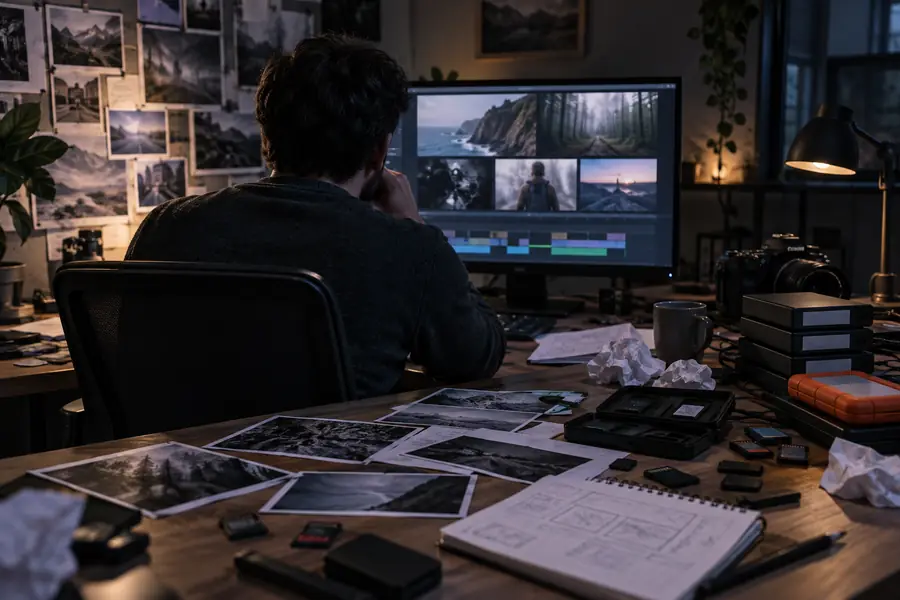
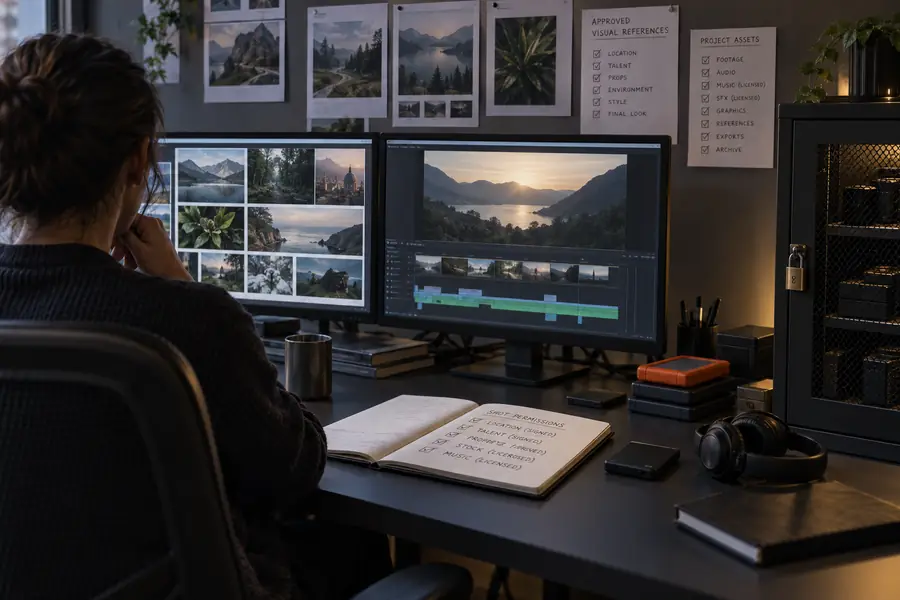
A review changes the context, not the underlying generation.
Common questions
It can be used more responsibly when you limit sensitive inputs, protect account access, and review every result. No online AI app should be treated as automatically private, accurate, or risk-free.
Use caution with any private photo uploaded to an online generation service. Only submit images you have permission to process, remove unnecessary identifying details, and avoid material whose exposure would cause harm.
Yes. A polished result may look like a real recording even when it is fictional, and small visual errors can be missed. Add clear context, avoid presenting invented footage as evidence, and inspect the final edit before publishing.
That depends on the sensitivity of the material, your permissions, and the review process around the output. Do not upload confidential client information by default; use approved assets and confirm that the final video meets your organization’s legal and editorial requirements.