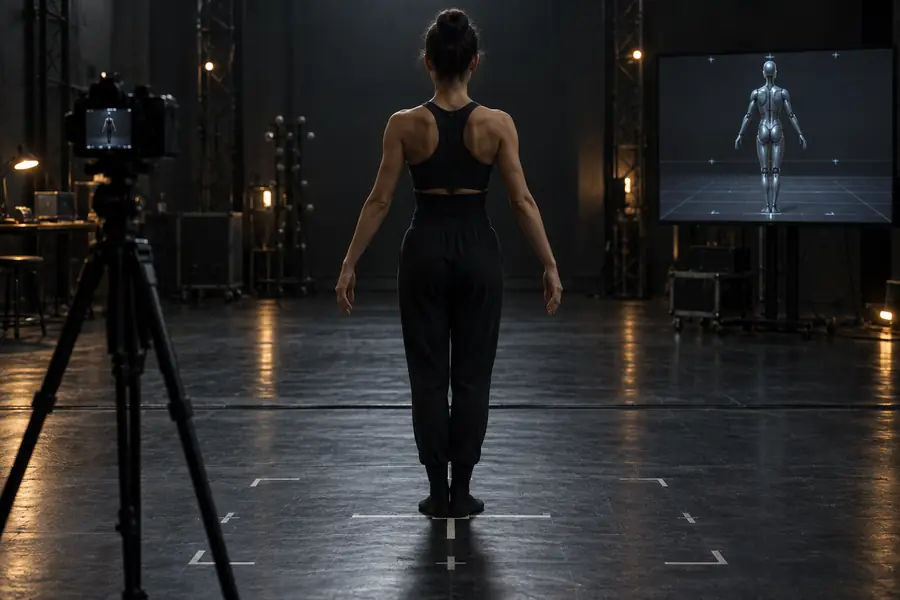
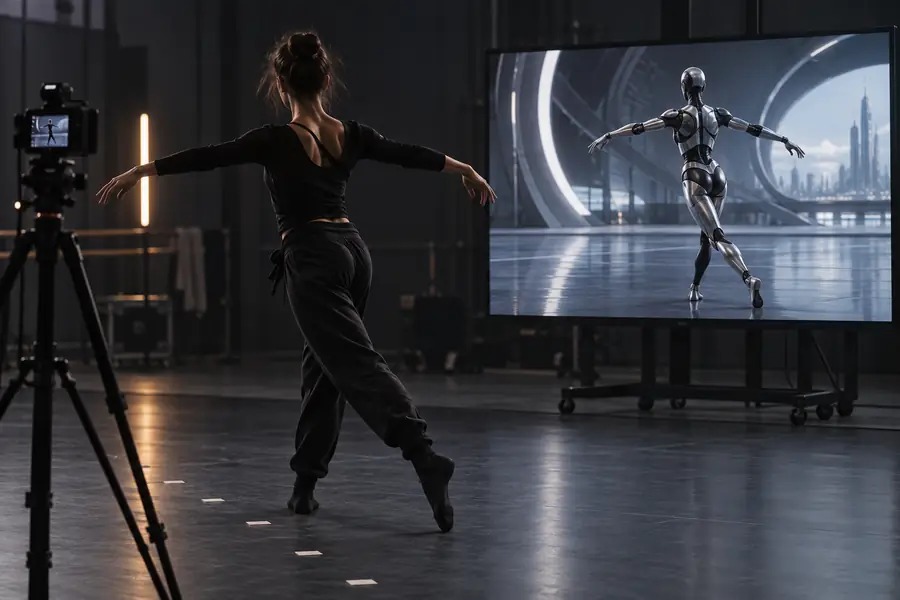
Kling ai motion control helps you transfer movement from a reference clip onto a chosen subject, giving generated video a more deliberate performance, gesture, or camera rhythm.
Choose the input method that matches your project, then return here when the main challenge is controlling movement rather than inventing a scene.
Before you begin
Prerequisites
A reliable motion-control result starts with two compatible inputs: a clear subject and a reference movement that the model can read.
The subject must be readable
Busy backgrounds, cropped limbs, tiny figures, and overlapping objects make it harder for Kling AI to preserve the intended subject.
WorkaroundUse a well-lit image with a visible full or upper body and a simple background.
The reference needs usable motion
A shaky, heavily edited, or obstructed clip can produce drifting poses and inconsistent timing.
WorkaroundChoose one continuous action with the person visible for most of the clip.
It does not preserve every detail
Clothing texture, fingers, facial identity, and small accessories may change while the movement is transferred.
WorkaroundKeep the subject design simple and use short generations for easier review.
Motion is not choreography locking
Kling AI can interpret the source action rather than reproduce every frame exactly, especially with complex turns or fast contact points.
WorkaroundReduce the action to one dominant gesture and regenerate with a cleaner reference.
Practical setup
One full run-through
This is a simple motion control workflow from source selection to review. Keep the first attempt narrow so you can tell whether the input or the prompt needs adjustment.
1
Prepare the subject
Select a clear image or character reference with a stable pose, visible silhouette, and enough space around the body for movement.
2
Add the movement reference
Choose a short clip showing the action you want to borrow. Avoid cuts, rapid camera changes, and several people performing different actions.
3
Describe the result
State the subject, action, framing, and visual style in plain language. Generate one version, inspect the motion, then change one variable at a time.
Decision guide
Options at a glance
The best option depends on what you already have. Motion control is strongest when the action is known and the subject needs to follow it.
1Use one main subject for the clearest transfer.
1subject
2Keep the first test focused on one dominant movement.
1action
3Review pose, identity, and background stability.
3checks
4A continuous reference is easier for Kling AI to interpret.
0cuts
Input comparison
Options table
Use this comparison to decide whether motion control or a different Kling AI workflow is the better starting point.
Motion control
Text-led generation
1
Starting input
Motion control
Subject image plus movement reference
Text-led generation
Written prompt
2
Best for
Motion control
Following a known gesture or performance
Text-led generation
Inventing action and setting together
3
Movement source
Motion control
Reference performance
Text-led generation
Model interpretation
4
Subject consistency
Motion control
Anchored by the supplied subject
Text-led generation
Depends on prompt and generation
5
Creative freedom
Motion control
More constrained by the reference
Text-led generation
Broader scene and action variation
6
Main risk
Motion control
Pose drift or detail changes
Text-led generation
Unexpected movement or composition
7
Useful first test
Motion control
One visible action on a simple background
Text-led generation
One sentence describing a complete shot
Choose by goal
What fails
Different creators need different starting points. These examples show when motion control is useful and when another Kling AI route may save time.
Character designer
You have a finished character image and want to test a walk, turn, or expressive gesture.
Motion control keeps the action anchored to your supplied design instead of asking the model to invent a new character.
Compare the source subject with the generated result before judging the motion alone. Identity and silhouette stability matter as much as the gesture.
Subject reference
Motion result
Look for stable identity, readable limbs, and a continuous action before refining the prompt.
Common questions
FAQ
It is used to guide a generated subject with movement taken from a reference performance. This is useful for gestures, poses, simple dances, turns, and other actions where timing matters.
Prepare a clear subject image and a continuous movement reference with the action visible. Simple framing, good lighting, and minimal background clutter usually make the result easier to evaluate.
Not reliably in every frame. Kling AI interprets the reference, so fast motion, occlusion, complex contact points, and camera changes can introduce altered poses or timing.
Generated video may reinterpret clothing, hands, facial details, or accessories while following the movement. Use a clearer source, simplify the action, and keep the first test short.
It is better when you already know the movement you want to see. A text prompt is usually more flexible when you want Kling AI to invent the action, framing, and environment from scratch.