AI video guide
What Is Kling AI Used For?
What is Kling AI used for? Kling AI is a generative video platform that turns written descriptions and visual references into short moving scenes. It is designed for concept development, storytelling, product ideas, social content, and visual experimentation.
Explore Kling AI by task
Core workflow
How Kling AI works
Kling AI follows a simple idea-to-clip process, although results improve when the prompt, reference image, and desired motion are clearly described.
-
1
Describe the scene
Write a prompt that identifies the subject, location, lighting, visual style, camera movement, and main action. Specific language gives Kling AI more direction than a broad sentence.
-
2
Add a visual reference
When a consistent appearance matters, provide an image or starting frame. Kling AI can use that reference to anchor characters, objects, composition, or the overall look.
-
3
Review and refine
Generate a clip, inspect the motion and continuity, then revise the wording or reference. Short iterations are useful for testing pacing, framing, and creative direction.
Idea to output
From a still concept to a moving scene
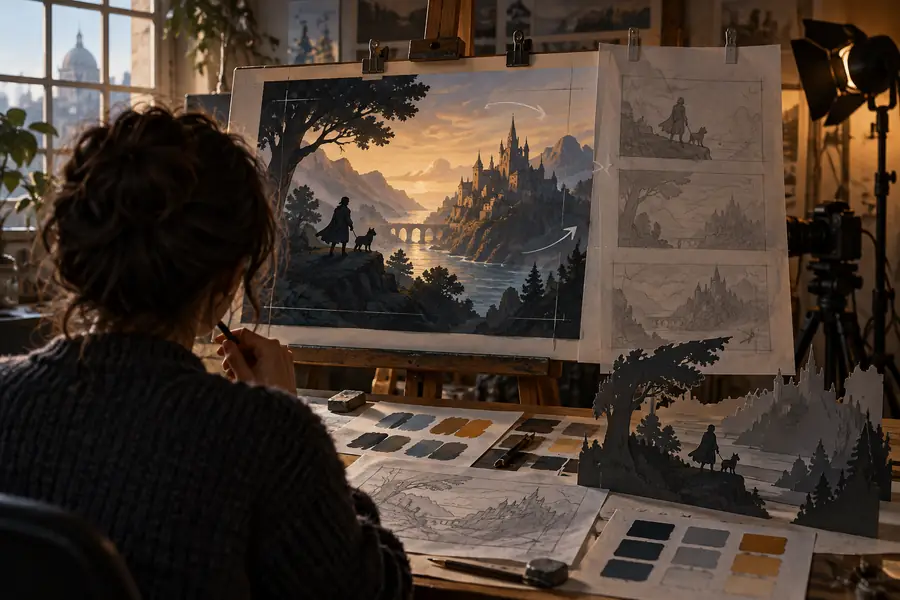
The clearest way to understand Kling AI is to compare the input with the intended output: a visual starting point becomes a short sequence with movement and timing.
- Starting concept
- Generated motion
A reference guides the look; the prompt guides the action.
Set expectations
What Kling AI can and cannot do
Kling AI is useful for visual exploration, but it is not a replacement for every part of a finished production workflow. Knowing the boundaries helps you plan the right next step.
-
It may not preserve every detail
Faces, hands, text, logos, costumes, and small objects can change between frames or generations.
WorkaroundUse simpler compositions, clearer references, and several short iterations instead of relying on one perfect output.
-
It does not replace a full editor
Kling AI creates generated clips, but a polished project may still need editing, sound design, captions, color work, and sequencing.
WorkaroundTreat the output as footage or a draft scene, then finish it in a separate editing workflow.
-
Long narratives need assembly
A single generation is better suited to a focused moment than to an entire continuous film with many connected scenes.
WorkaroundBreak the story into shots and maintain a written style guide for recurring characters, locations, and camera language.
-
Prompts cannot guarantee exact direction
A detailed request influences the result, but Kling AI may interpret timing, movement, or composition differently from your intention.
WorkaroundDescribe one primary action at a time and refine the prompt after reviewing each result.
Workflow fit
Who uses Kling AI?
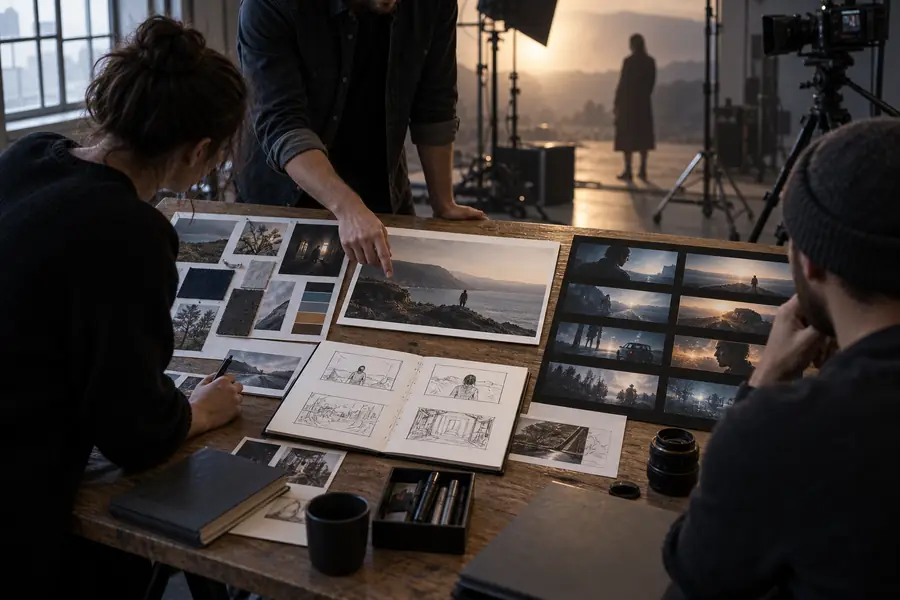
Kling AI can serve different creative roles because it supports both early ideation and usable visual drafts. The best fit depends on how much control and finishing work a project requires.
Kling AI
Traditional video workflow
Starting point
Kling AI
Text prompts, image references, or a visual idea
Traditional video workflow
Camera, actors, location, or existing footage
Best use
Kling AI
Rapid concepts, visual tests, short scenes, and storyboards
Traditional video workflow
Planned shoots, documentary capture, and controlled production
Iteration
Kling AI
Revise prompts and regenerate variations
Traditional video workflow
Reshoot, recut, or adjust captured footage
Physical realism
Kling AI
Generated interpretation of motion, light, and space
Traditional video workflow
Real-world capture with production-dependent constraints
Creative control
Kling AI
Prompt-led direction with model interpretation
Traditional video workflow
Direct control over set, performance, lens, and timing
Finishing needs
Kling AI
Often requires editing, selection, and cleanup
Traditional video workflow
Still requires editing, sound, color, and delivery preparation
Capability snapshot
Kling AI at a glance
These three building blocks explain the main ways people approach Kling AI without reducing the creative process to a single button.
- 1 Describe a scene, subject, or action in natural language.
- Text to video
- 2 Use a still visual as a reference for a moving clip.
- Image to video
- 3 Build focused moments that can later be selected, edited, and assembled.
- Short scenes
- 4 Guide style, framing, movement, and atmosphere through written direction.
- Prompt led
Common questions
Kling AI FAQ
These answers focus on the main question behind this guide: what the tool is for, how it fits into creative work, and where its limits matter.
Kling AI is used to generate short video scenes from written prompts and visual references. People use it for concept art in motion, story ideas, social clips, product concepts, and early visual development.
Kling AI can help with mood pieces, shot experiments, animated stills, visual storyboards, and short-form content. It is most useful when a project benefits from quickly testing movement, atmosphere, or composition.
No. Beginners can use Kling AI to explore ideas, while filmmakers, designers, marketers, and other creators can use it for previsualization or draft footage. The amount of finishing work depends on the intended result.
It can generate individual scenes, but a complete film usually needs planning, shot selection, editing, sound, continuity checks, and final delivery work. Kling AI is better understood as a scene-generation and ideation tool within a wider process.
No. Text prompts are one route, but visual references can also help establish the subject, composition, or style of a clip. Combining a clear prompt with a useful reference often gives the workflow more direction.